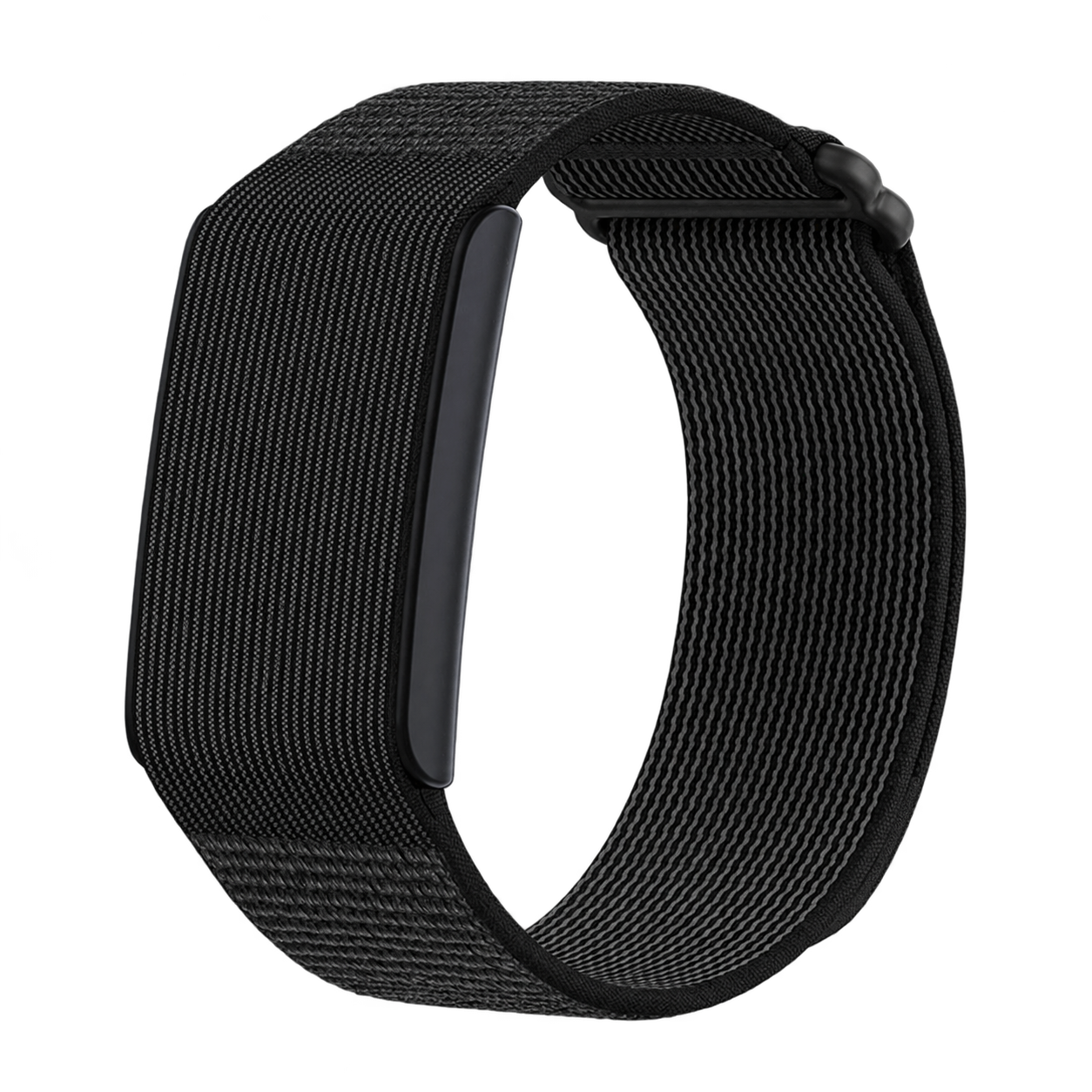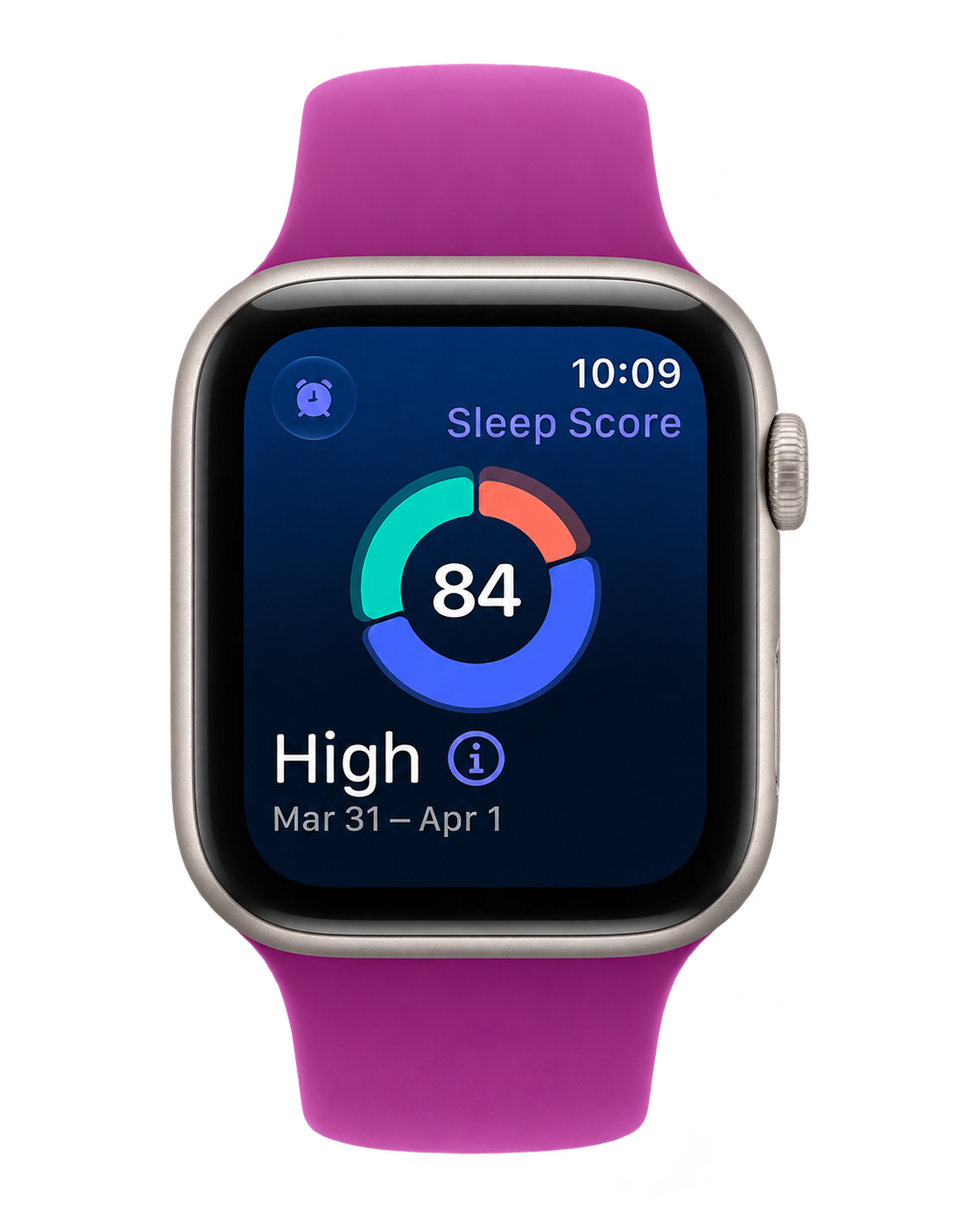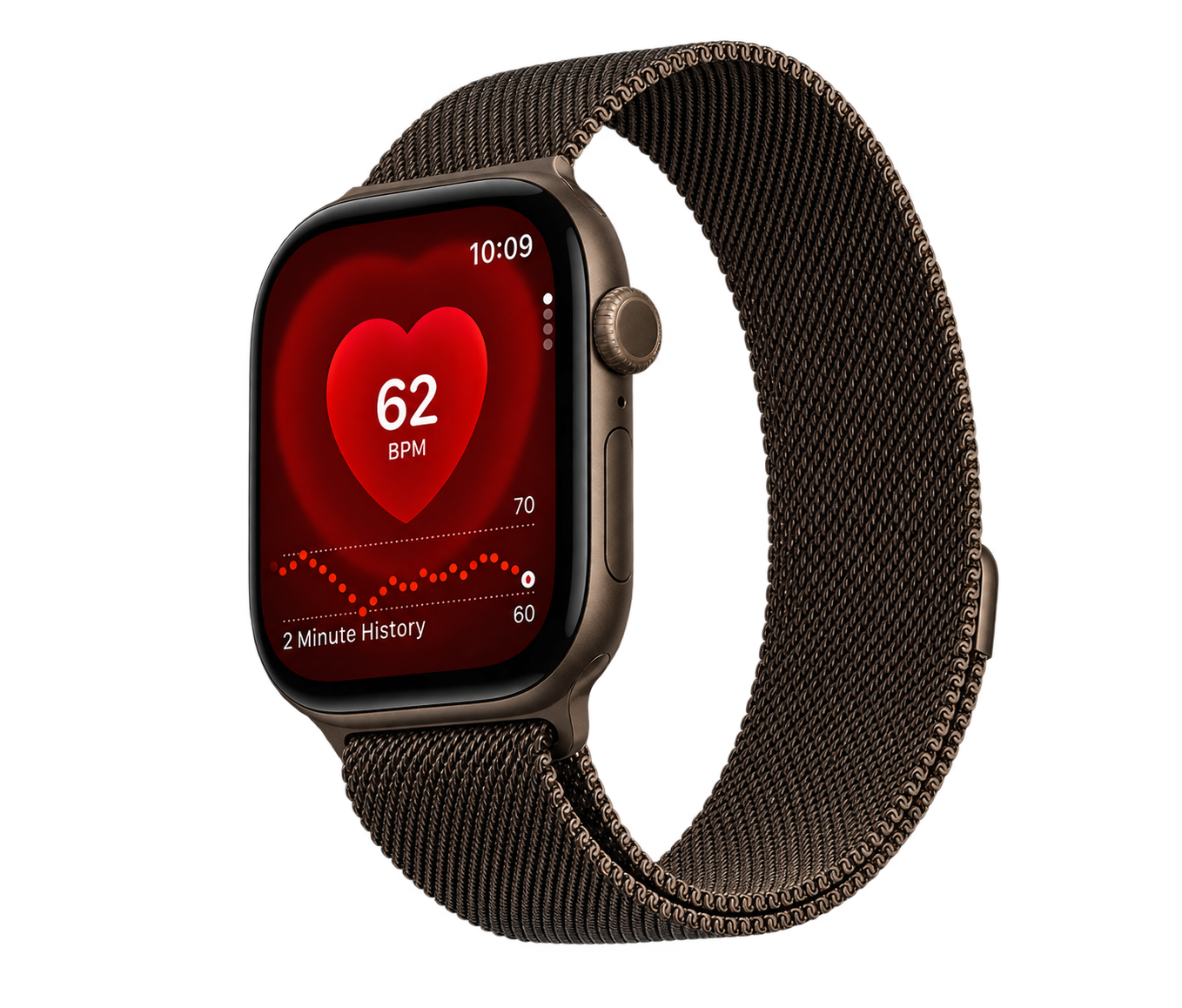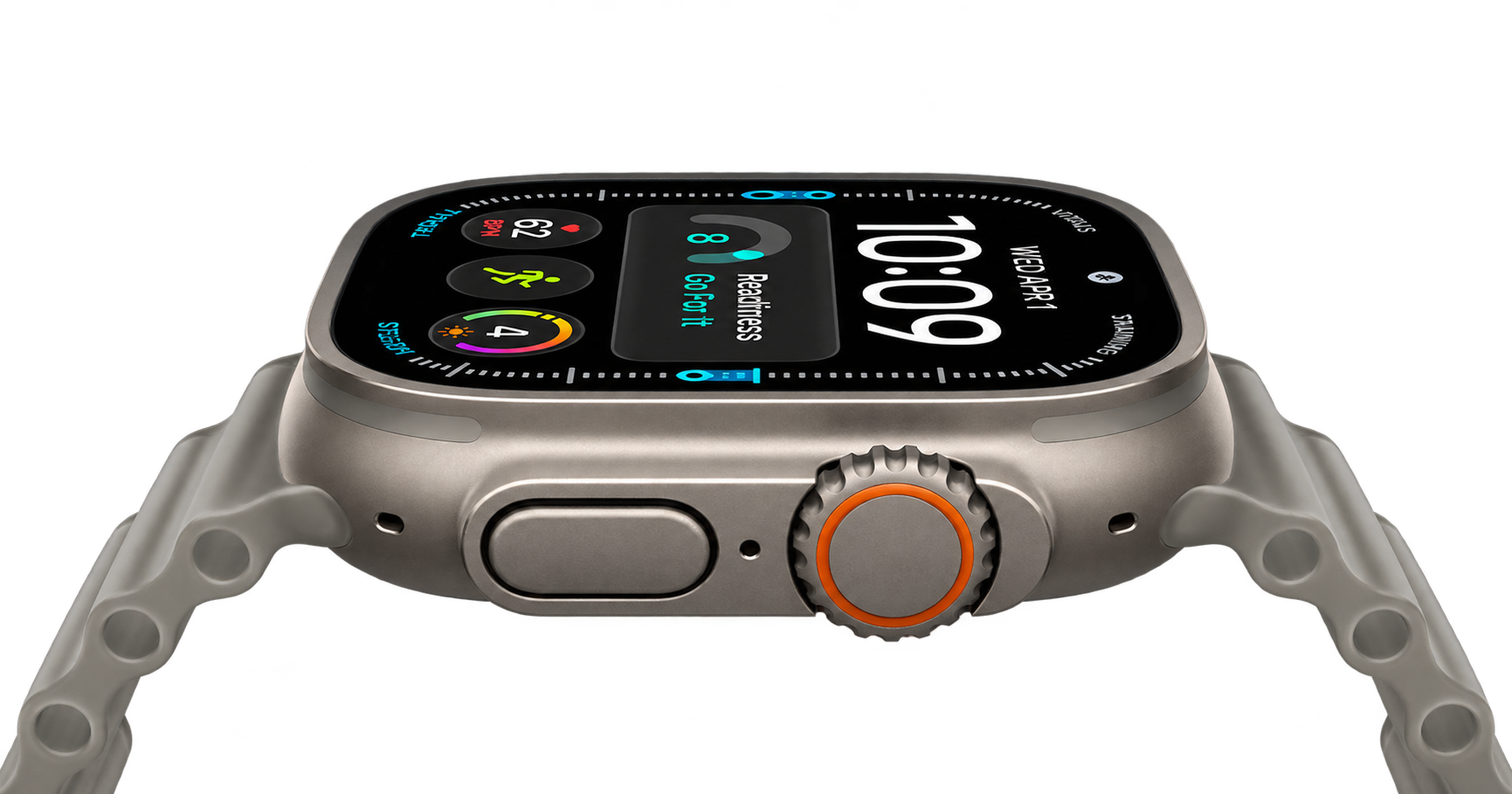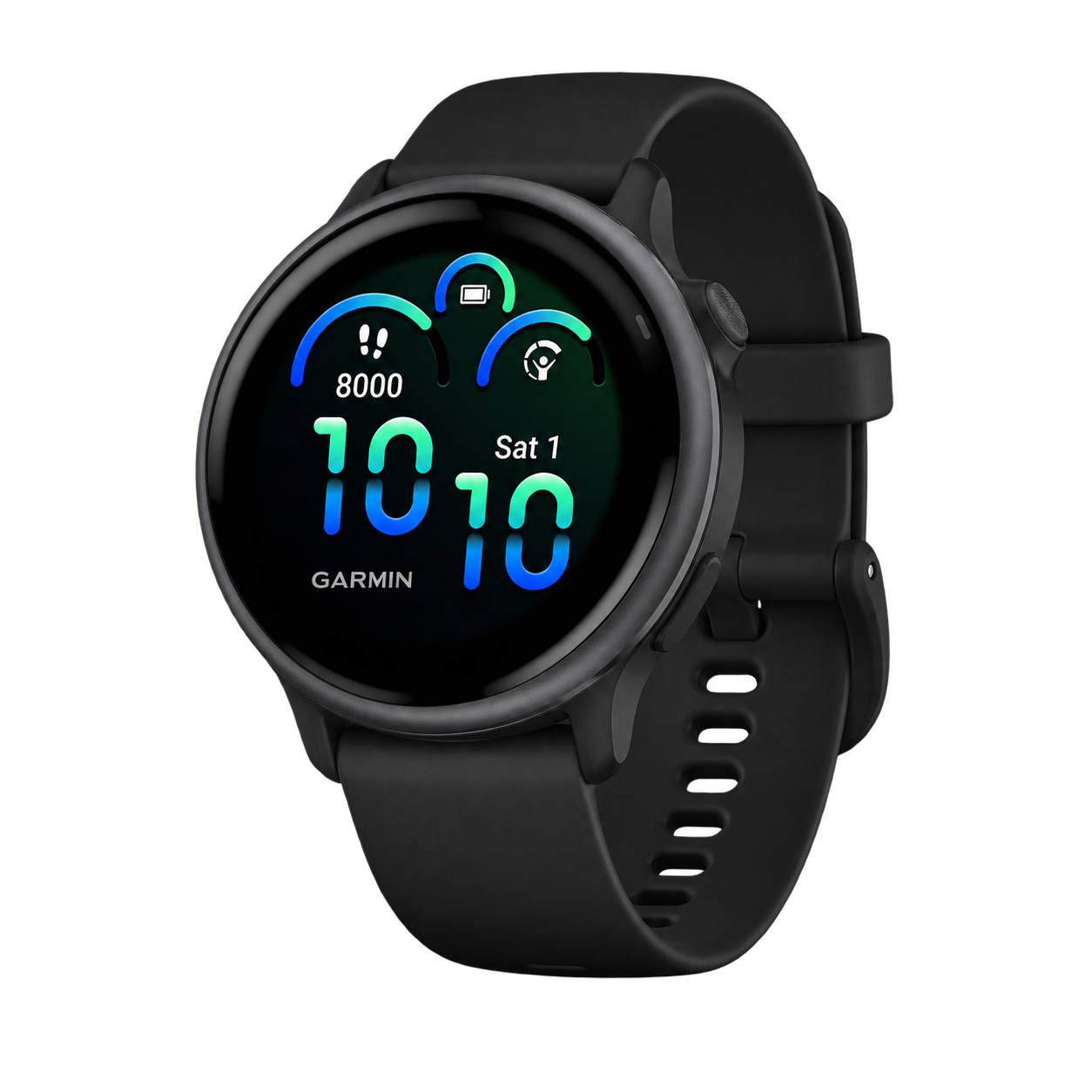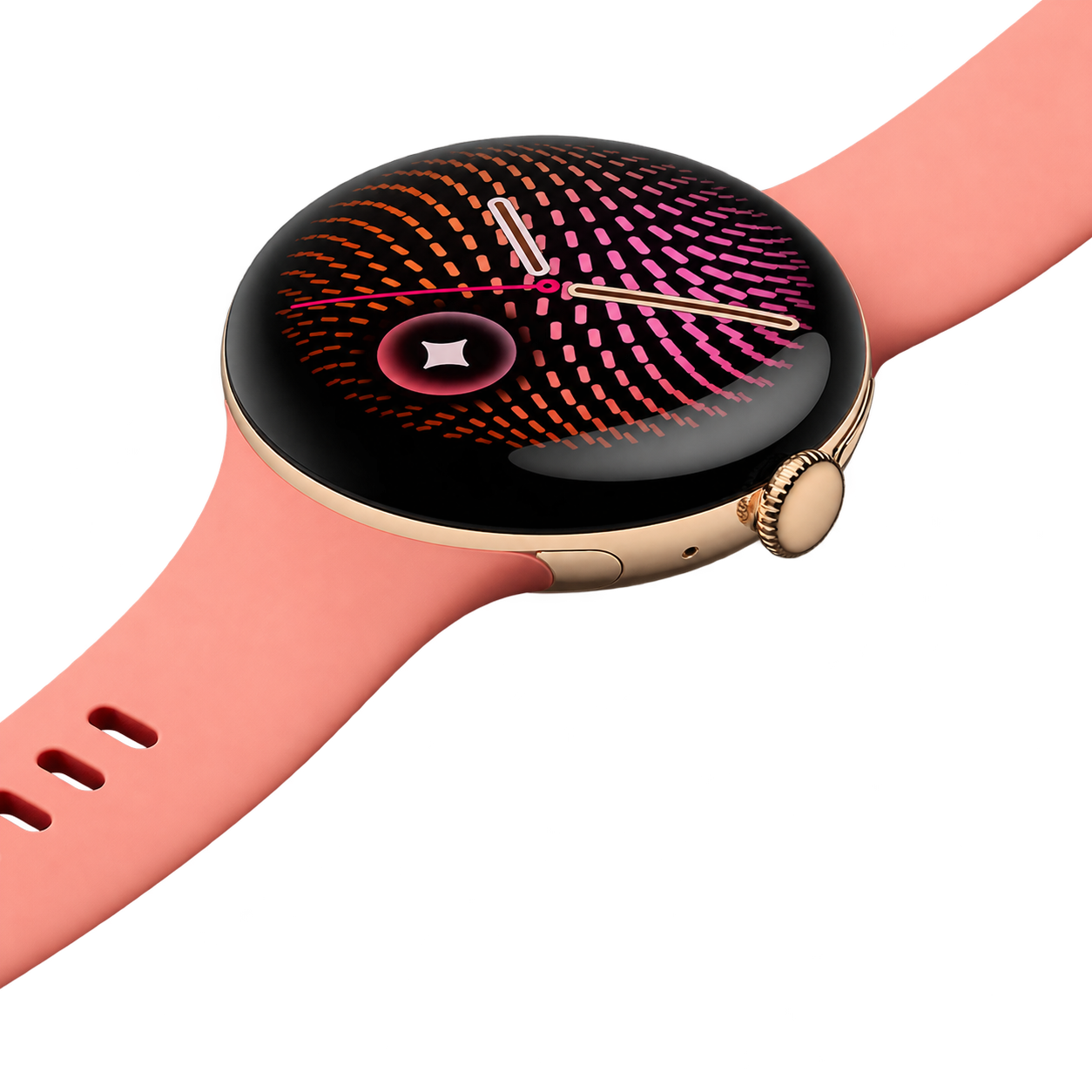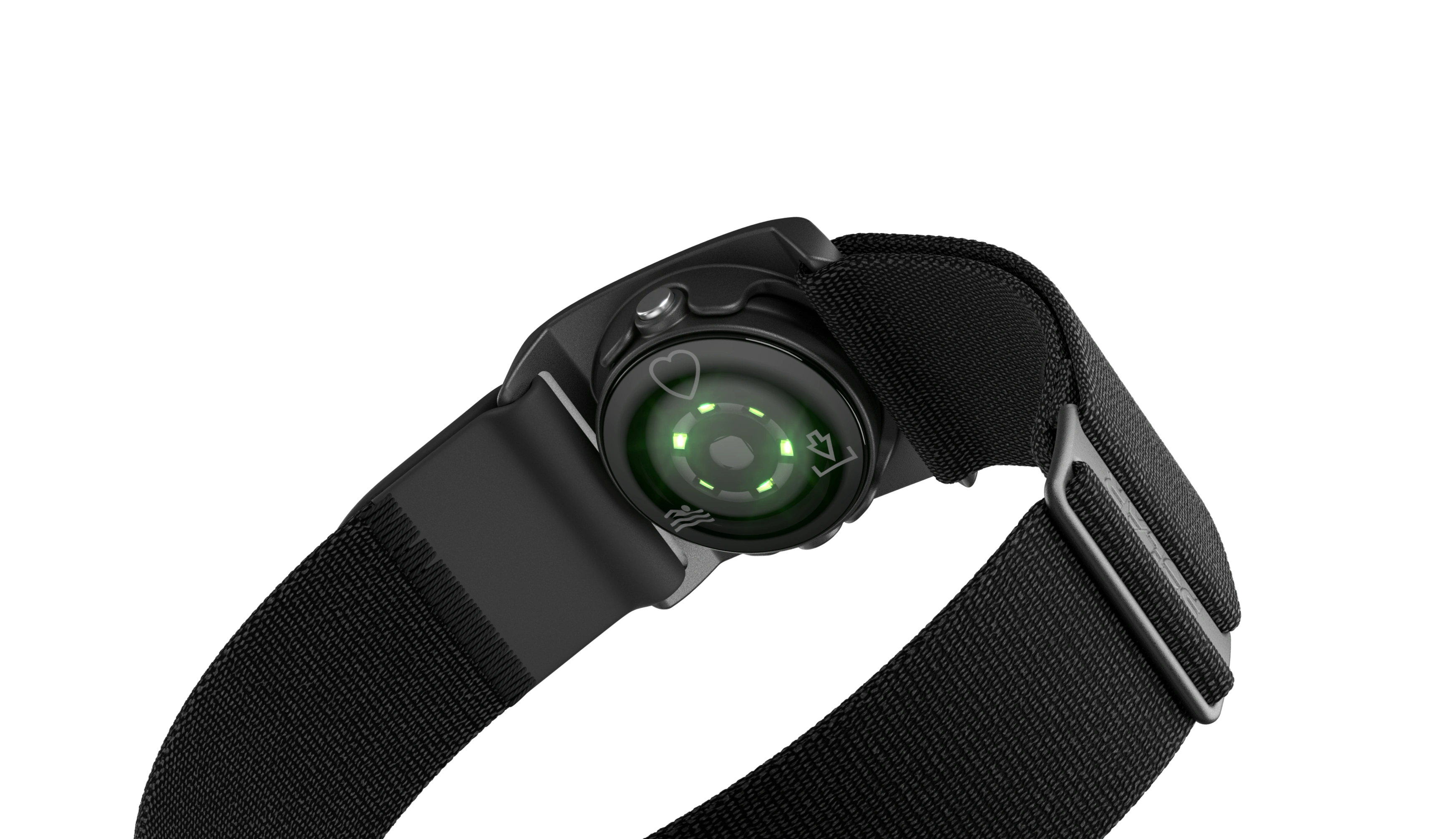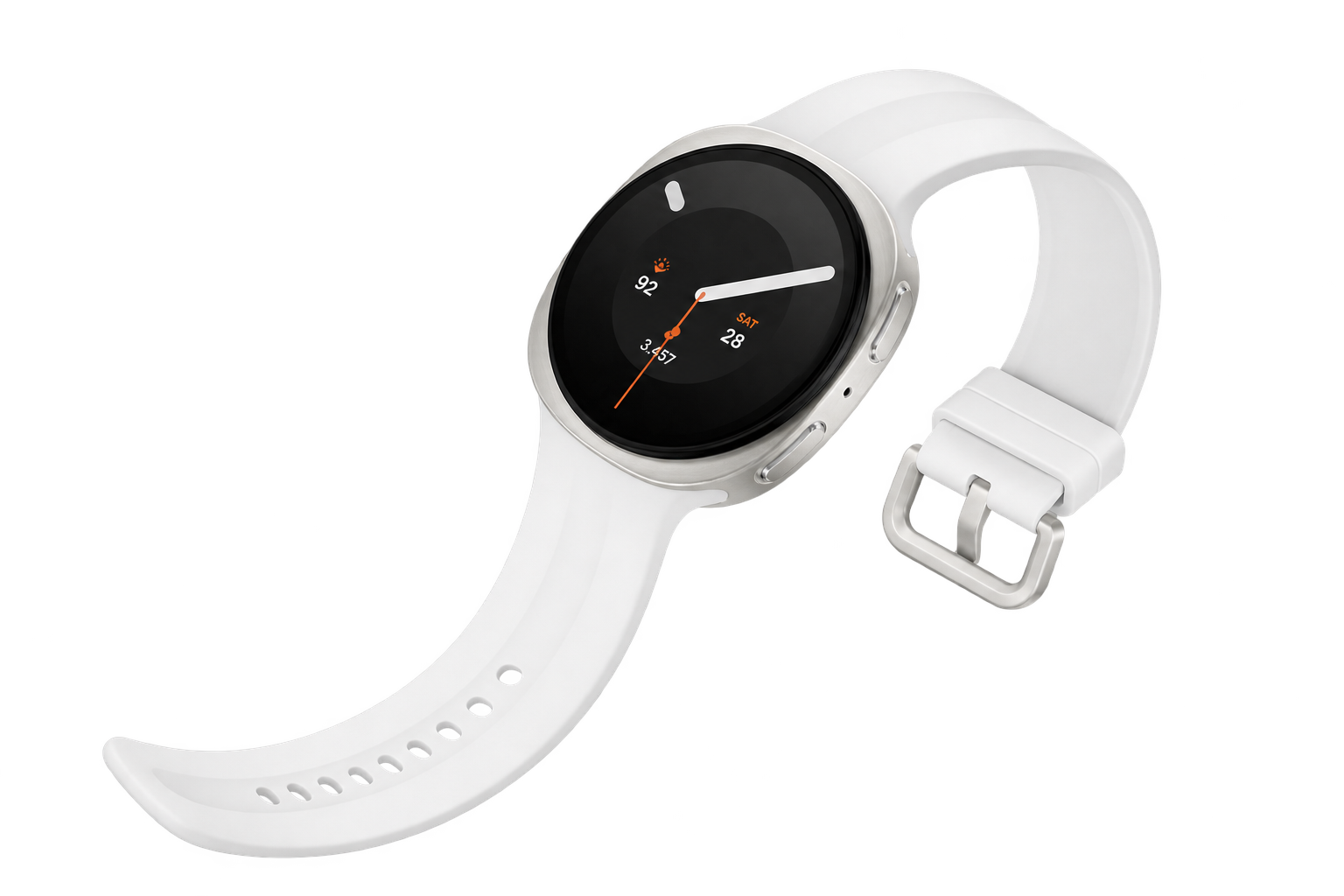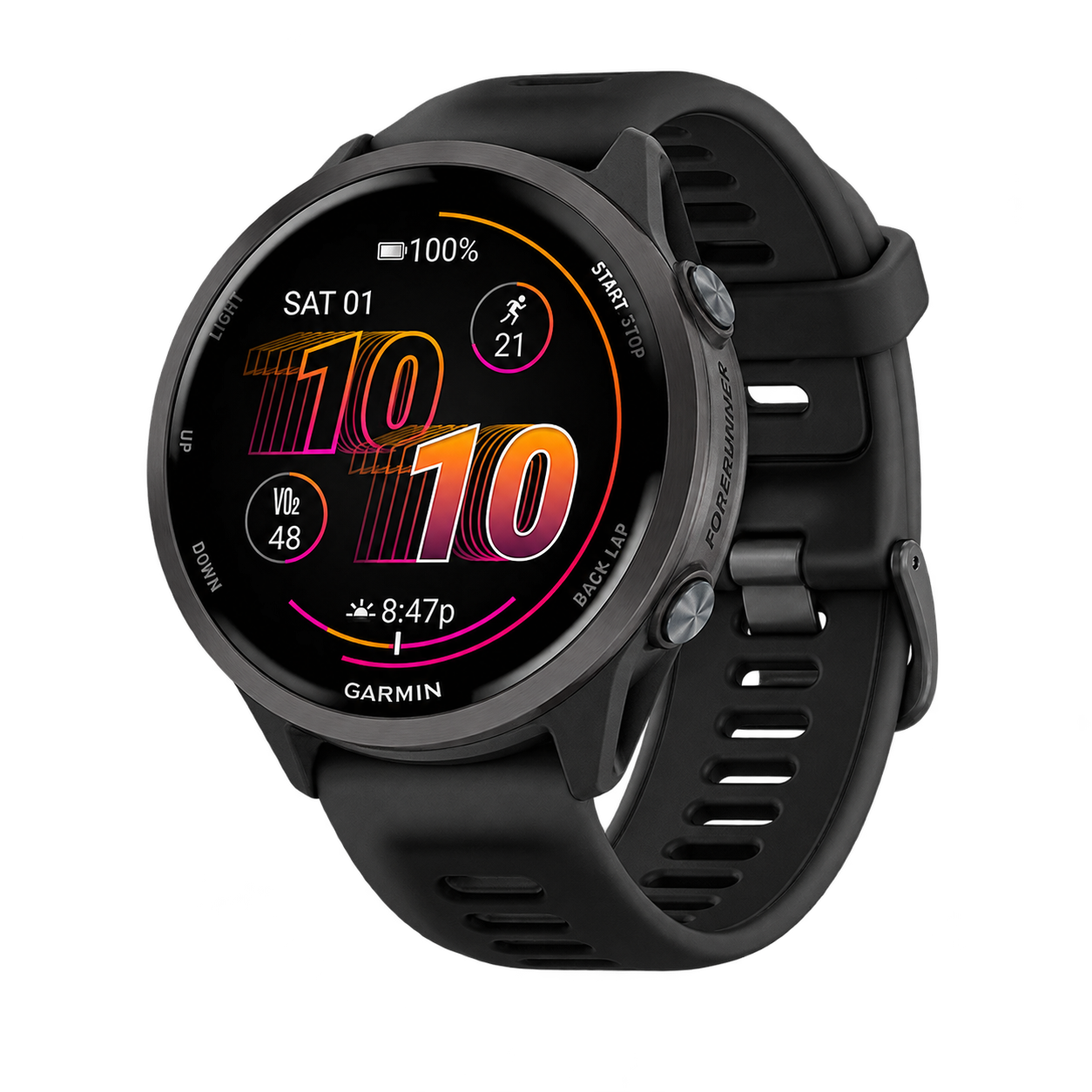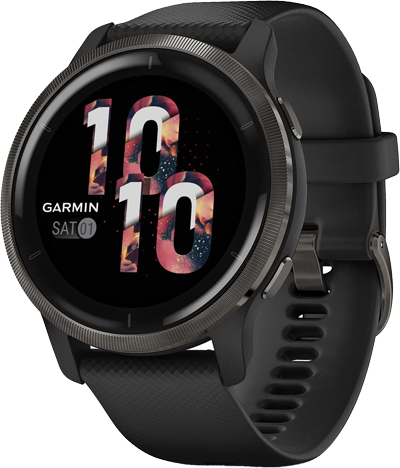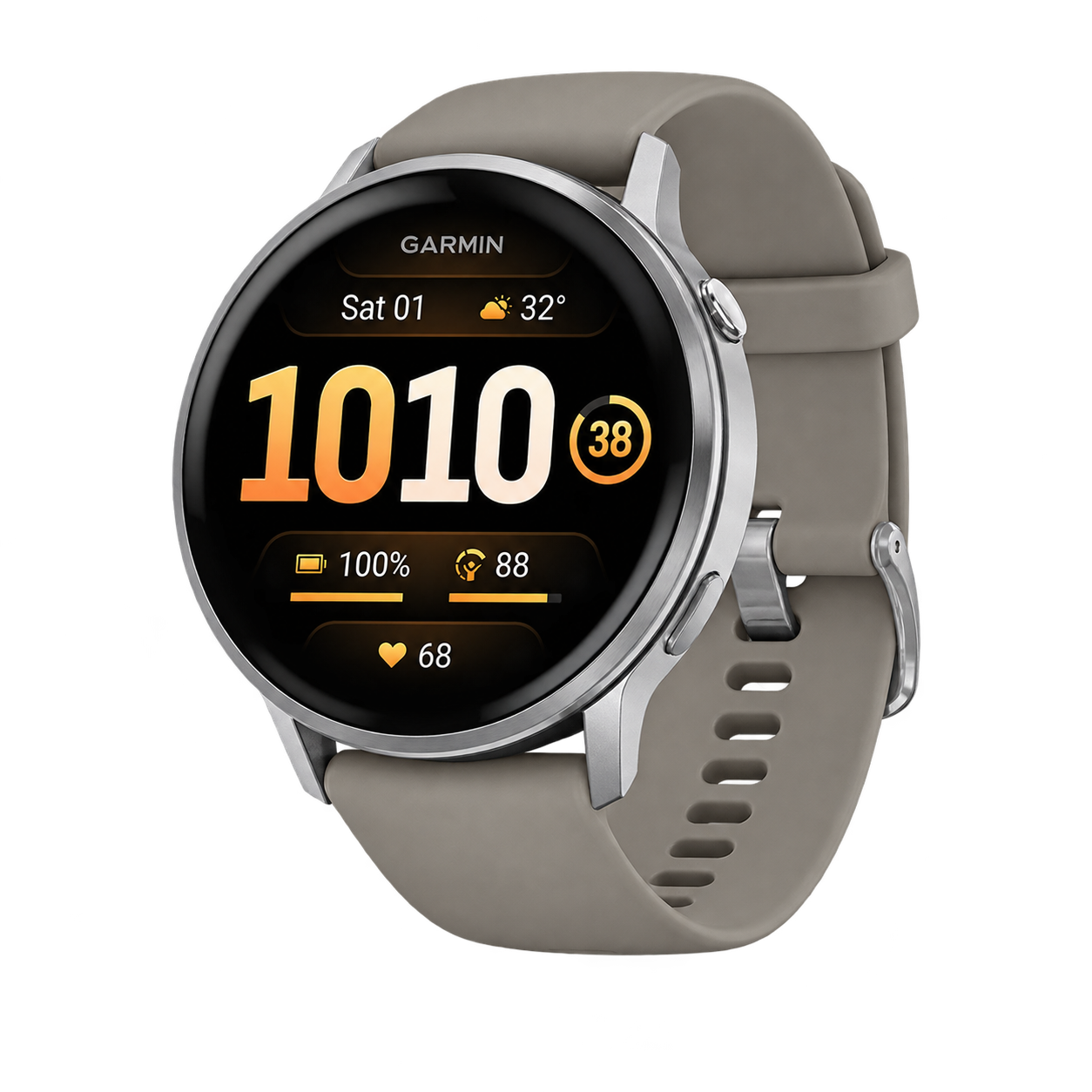
The Venu 4 sits between an everyday smartwatch and a training-focused Garmin. It is worth considering if your week combines gym sessions, walks, runs and general activity tracking, and you want the same watch to remain comfortable outside exercise.
What stands out in the Venu range?
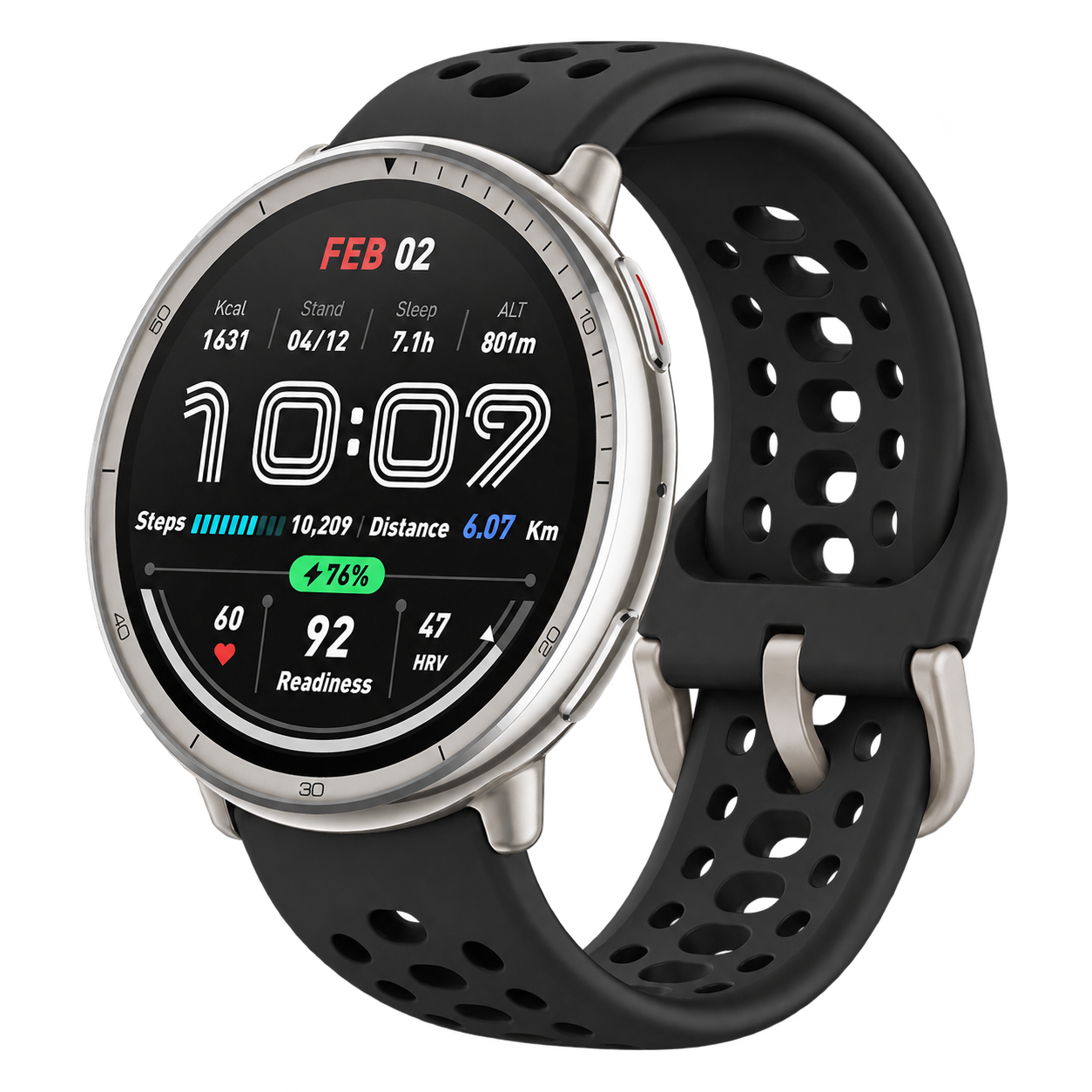
Garmin describes an AMOLED display, a built-in flashlight, a speaker and microphone, Garmin Coach and an ECG app with regional eligibility conditions. Calls depend on pairing with a compatible phone. Those details make the Venu 4 more than a step counter, but they also give you a useful way to decide what you would actually use.
For instance, a flashlight may be convenient for finding something in a dark room. Phone-connected calling may matter when your phone is in a bag. Neither feature should be confused with independent cellular service. Read the connectivity requirements if leaving your phone behind is important.
Venu 4 or vivoactive 6?
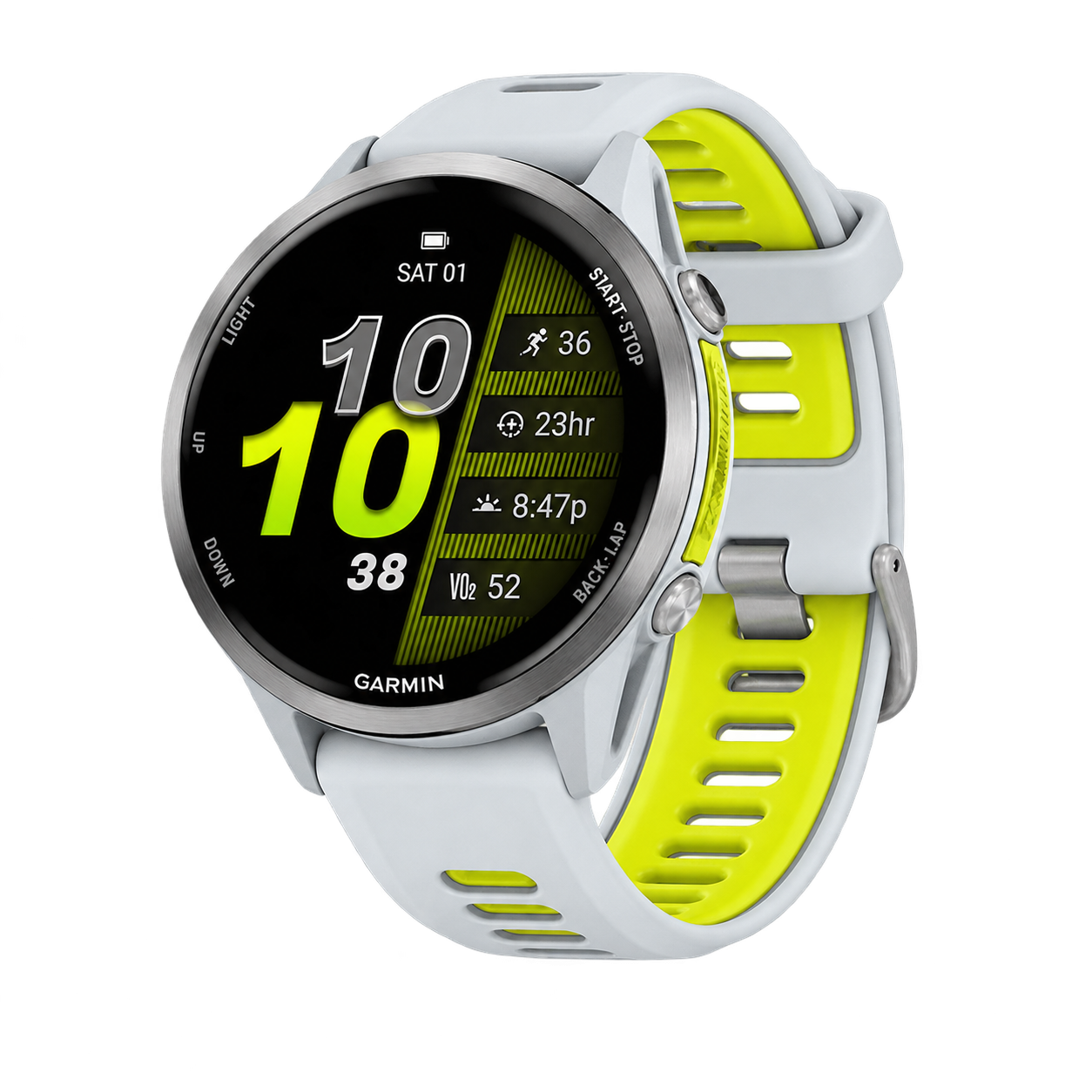
Compare the vivoactive 6 if your requirements are mainly recording regular exercise and reviewing daily activity. List the Venu functions you would miss, then decide whether those functions justify the price difference. This keeps the comparison tied to your routine instead of the length of a specification sheet.
Try both sizes or case styles available to you. For an all-day watch, fit while typing, training and sleeping can be more significant than a small difference in display size.
Venu 4 or Forerunner?
A Forerunner 570 comparison makes sense if running is becoming the central part of your training. Work through the same example on both: creating an interval session, finding the relevant training information and reading it during a run. There is substantial overlap across Garmin products, so compare the current software as well as the original launch list.
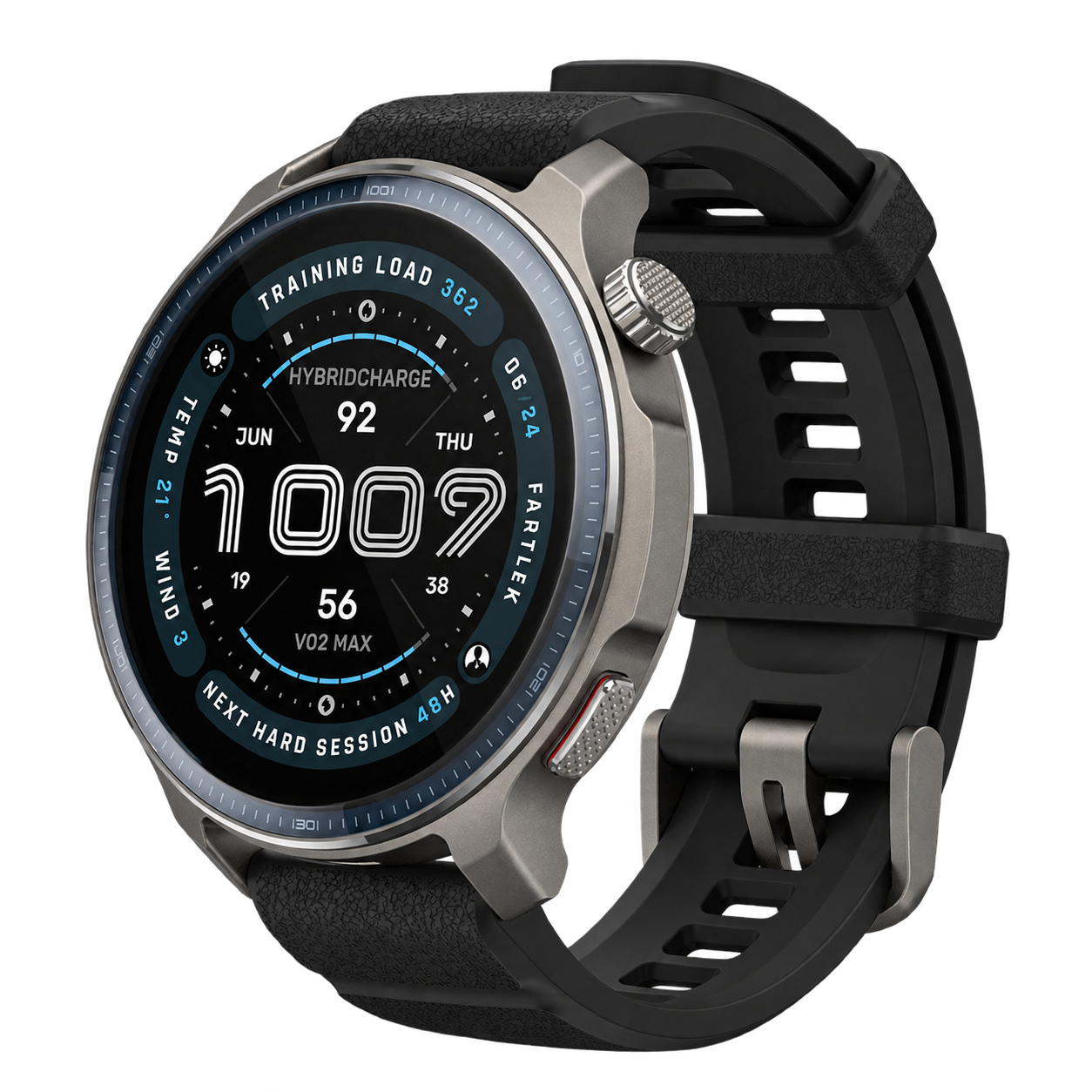
If you need maps on unfamiliar routes, compare the navigation task directly with the Forerunner 970. Seeing a route line and having detailed maps are different experiences.
Using the daily data without overcomplicating it
Choose one weekly question, such as whether you are spreading activity across the week or concentrating everything into the weekend. Use your activity history to answer it. Keep sleep and recovery information alongside your own observations, as explained in Wearables. This overview uses Garmin's documentation; HTL has not evaluated the Venu 4 on the wrist.
Sources and product documentation
Where to find Garmin Venu 4
View on AmazonSee the listing, current price and customer reviews on Amazon.
Affiliate link · HTL may earn a commission on purchases.